Contacts and conversations
Lead follow-up
Read recent inquiries, review the conversation history and prepare an SMS draft. You review it before asking to send.
Explore lead follow-upPractical use cases
Asking Claude or ChatGPT about your leads doesn't give it access to GoHighLevel. A private MCP connection lets it retrieve the records behind your question and use tools in the sub-account you connected.
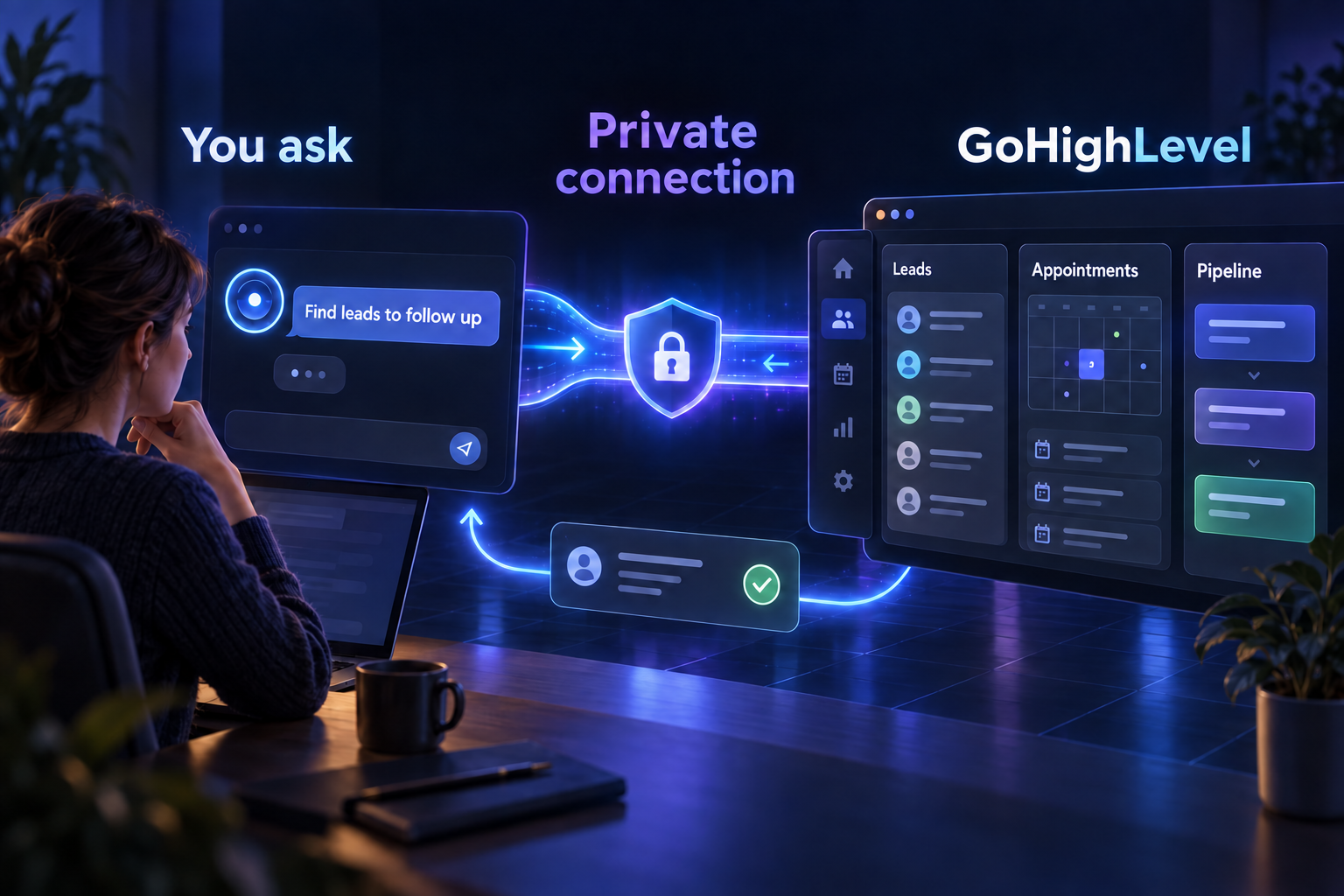
These scenarios are illustrative, not customer case studies. They show where live CRM context helps: understanding an inquiry, choosing an appointment, or reviewing deals.
Contacts and conversations
Read recent inquiries, review the conversation history and prepare an SMS draft. You review it before asking to send.
Explore lead follow-upCalendars
Use the connected calendar's availability to compare options, then confirm the details before requesting a booking.
Explore appointment planningPipelines and deals
Ask about open opportunities and their stages. Build a review from your CRM records instead of copying rows into a chat.
Explore pipeline reportingMCP connects your AI to GoHighLevel; GoHighLevel remains your CRM. The records you request are returned to your chosen AI assistant. Your Private Integration token's permissions still apply. A connection does not grant scopes your token lacks.
Using Northside Roofing, summarize recent lead conversations and draft a follow-up SMS for my review. Don't send anything.
Ask the AI to include contact IDs and message dates, then verify those records in GoHighLevel. Your response is based on the connected account's records.
Starter includes all tools for $5/month per sub-account, including your first and every additional one. Agency is $99/month for unlimited sub-accounts. Activation follows PayPal confirmation.
Start at $5/month Follow the setup guide